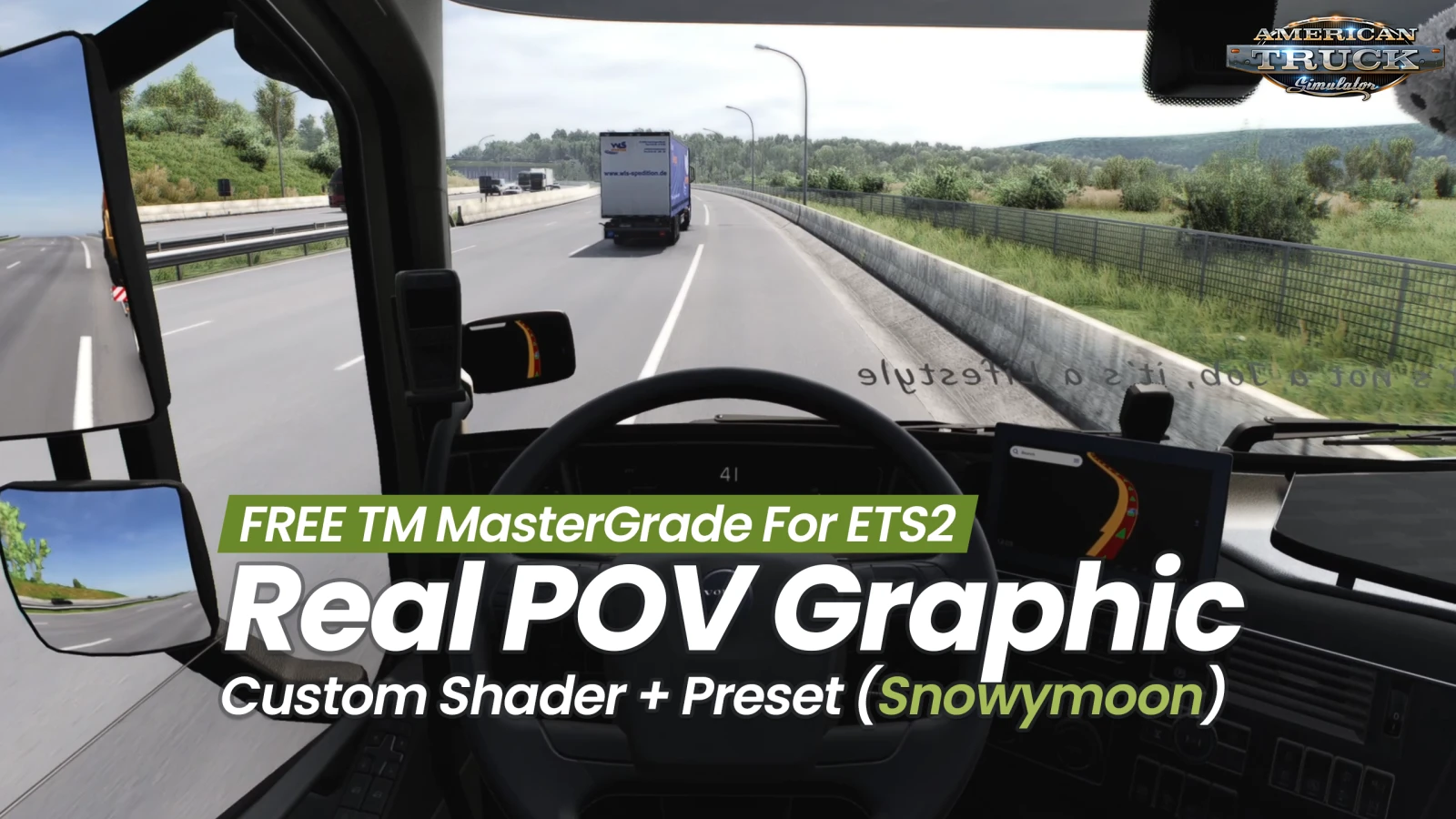
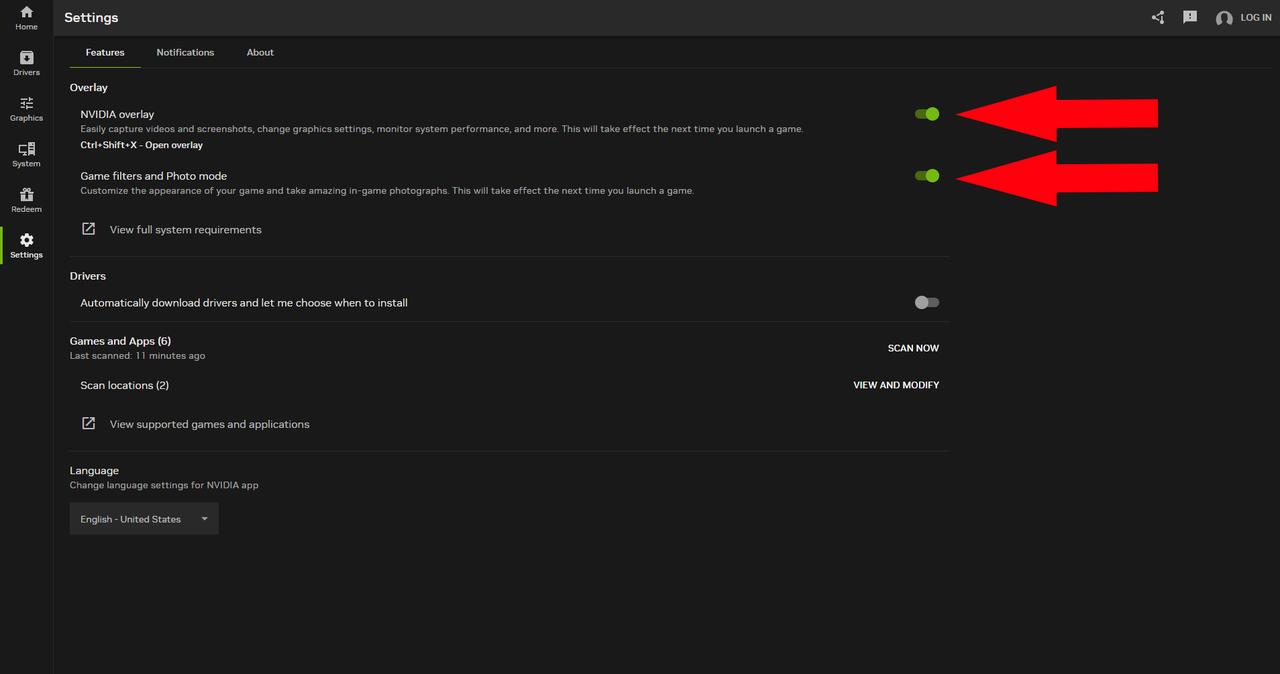
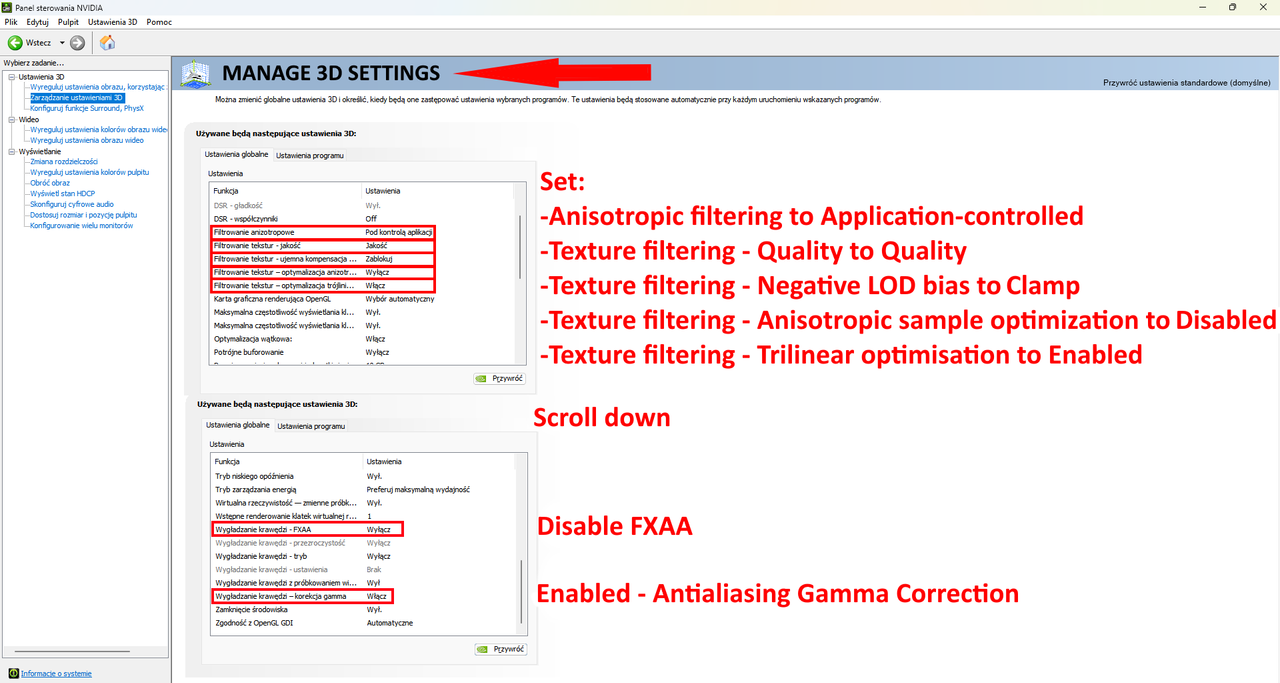
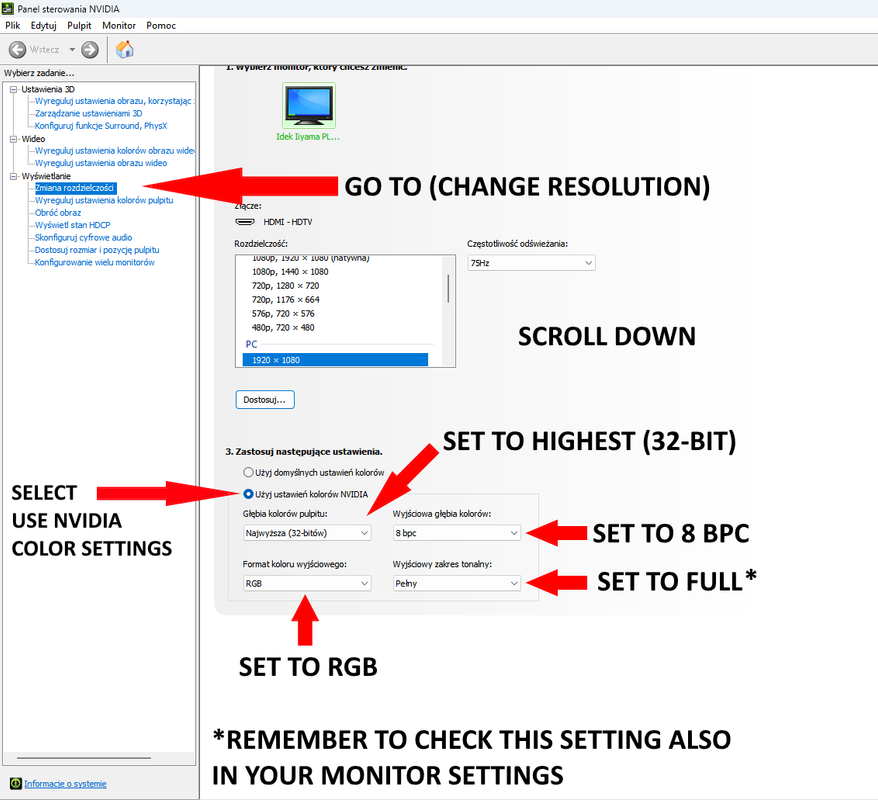
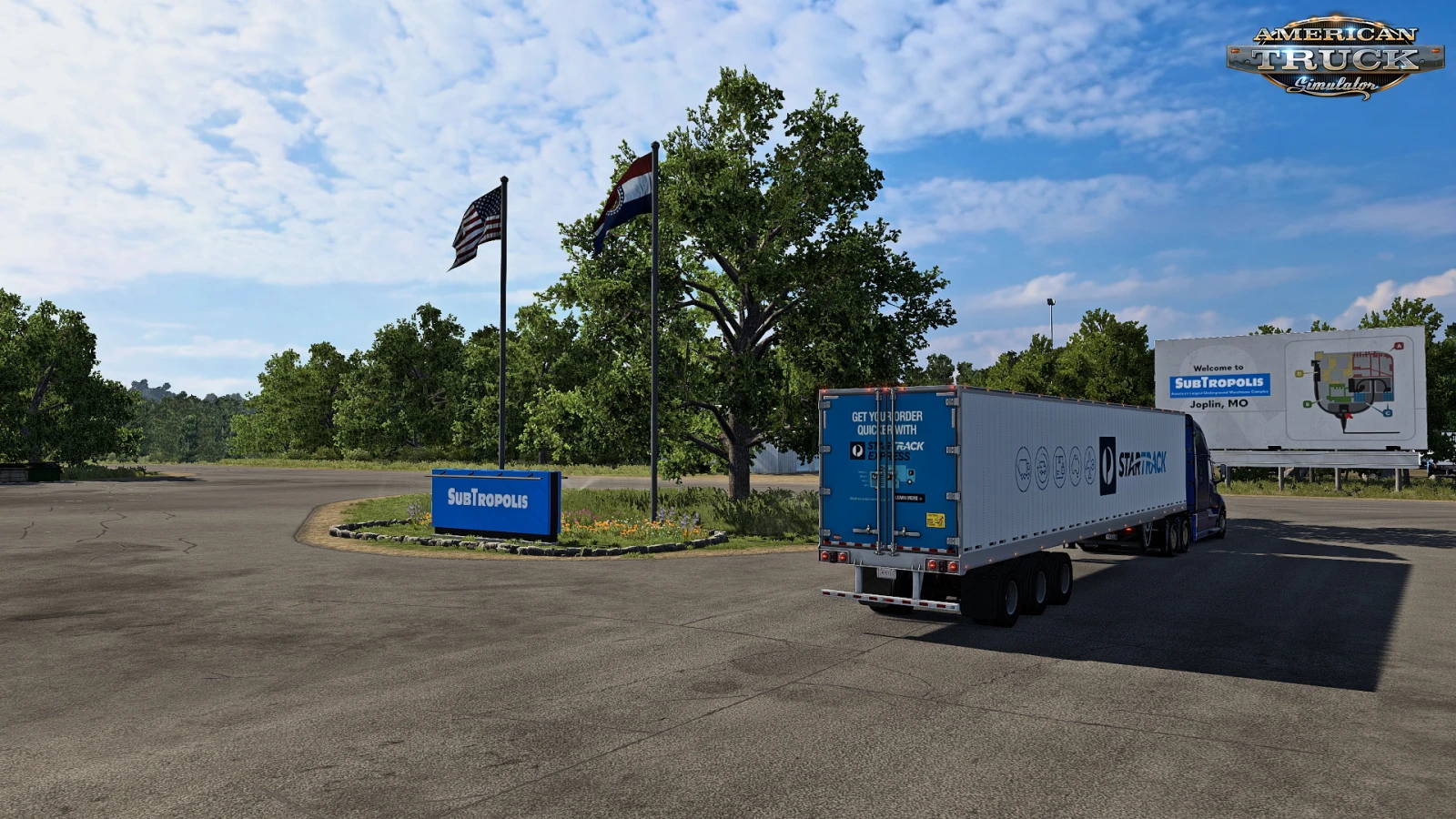
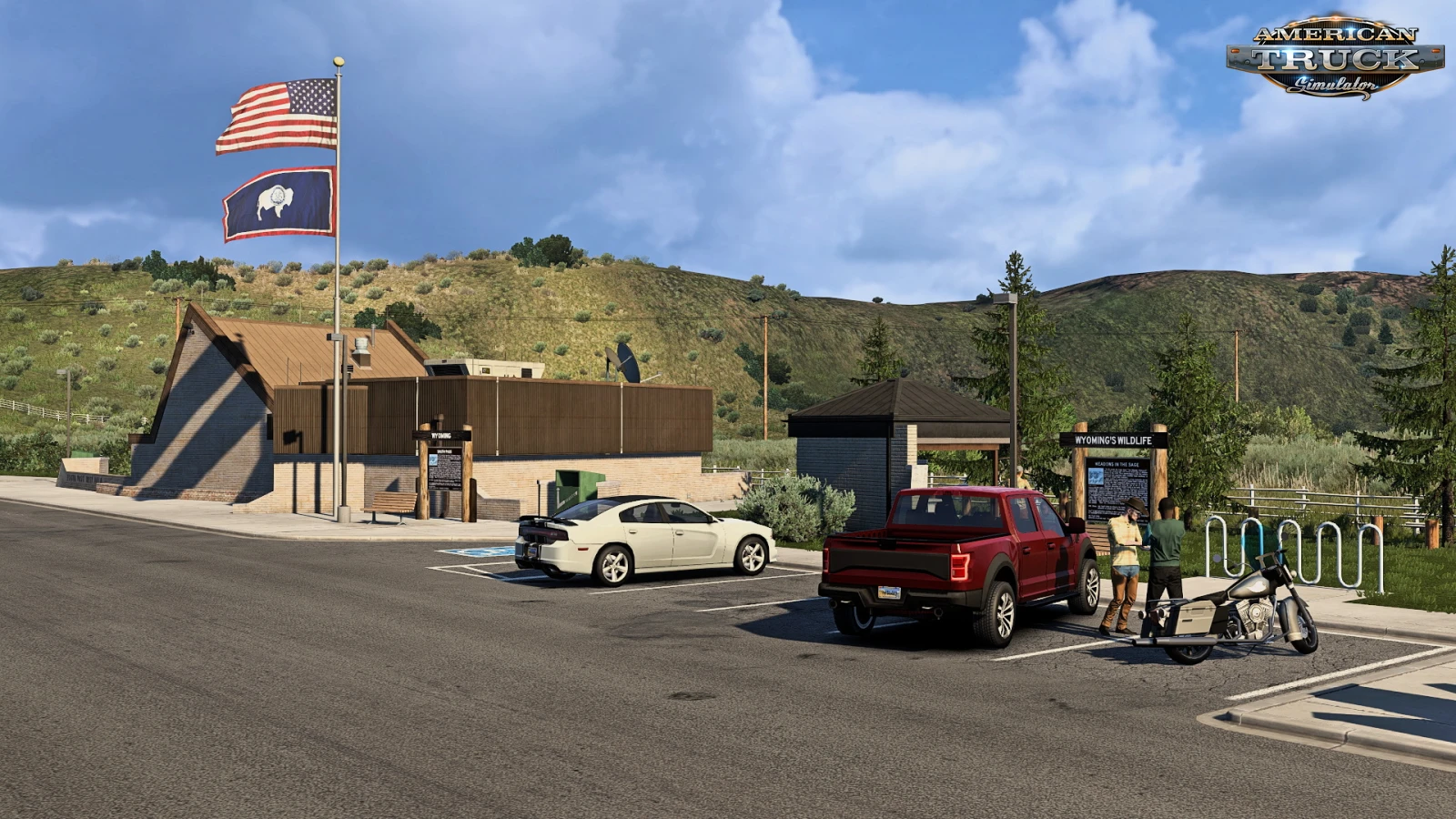
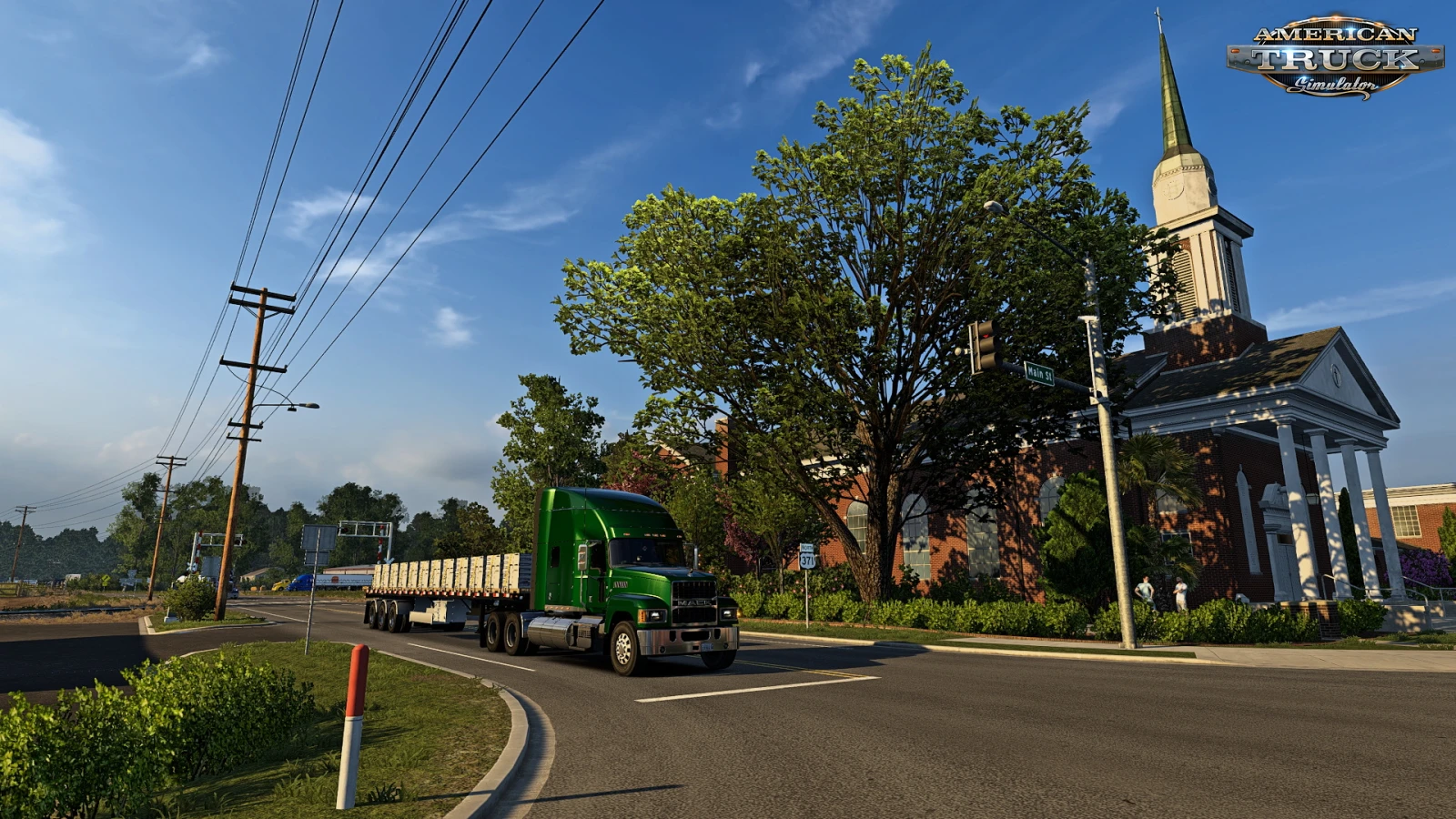
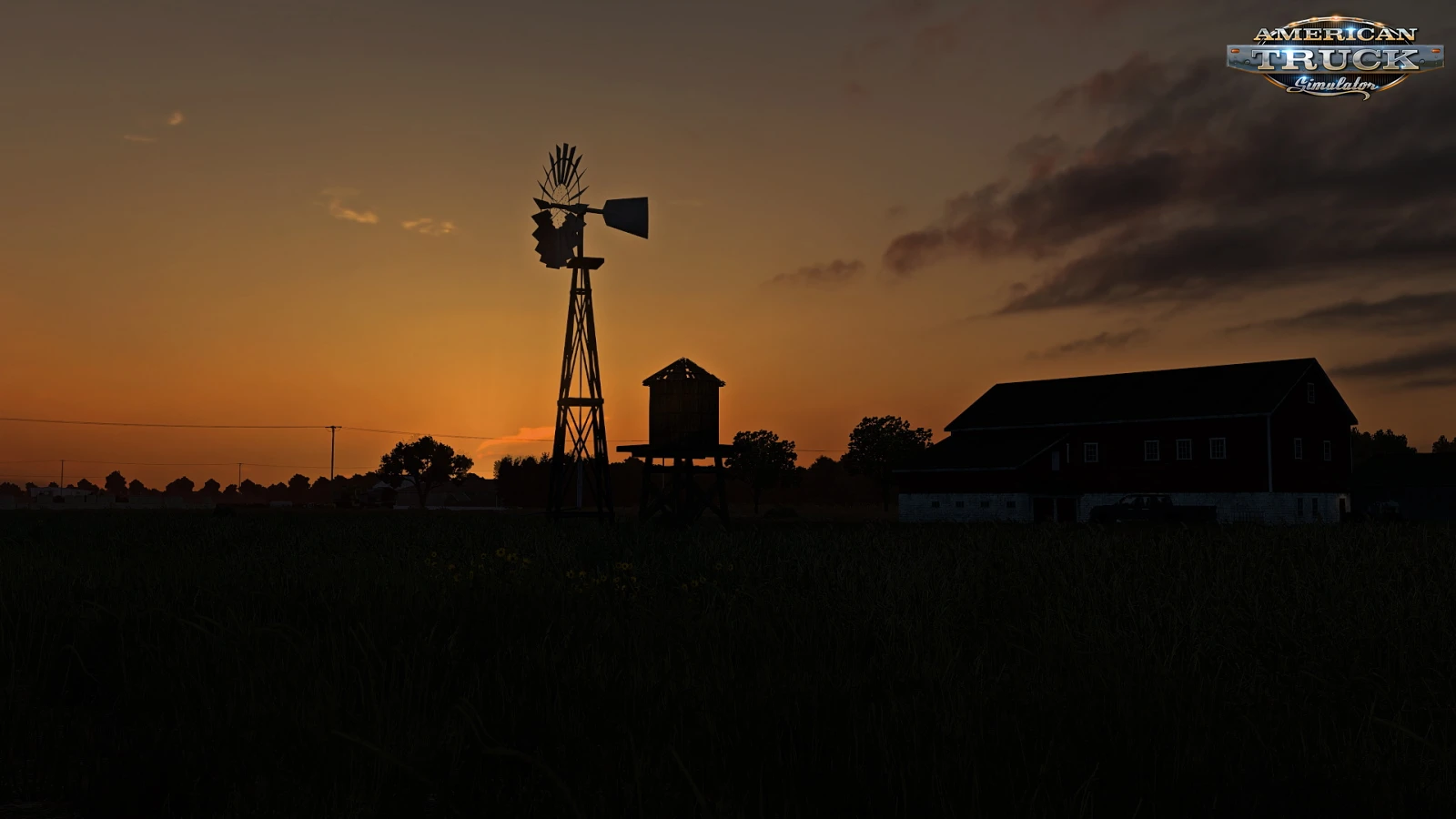
🎨 PhotoGrapfix - Nvidia Presets for ATS - is a free graphics enhancement guide created by modder Lionv8, shared on the official SCS Software forum for ATS players. it's a set of custom Nvidia Freestyle Game Filters (applied in-game via ALT+F3) combined with specific Nvidia Control Panel tweaks and recommended ATS in-game/config settings to dramatically improve visual fidelity. These presets aim for a "photographic" look with enhanced realism, without requiring Reshade or third-party injectors.
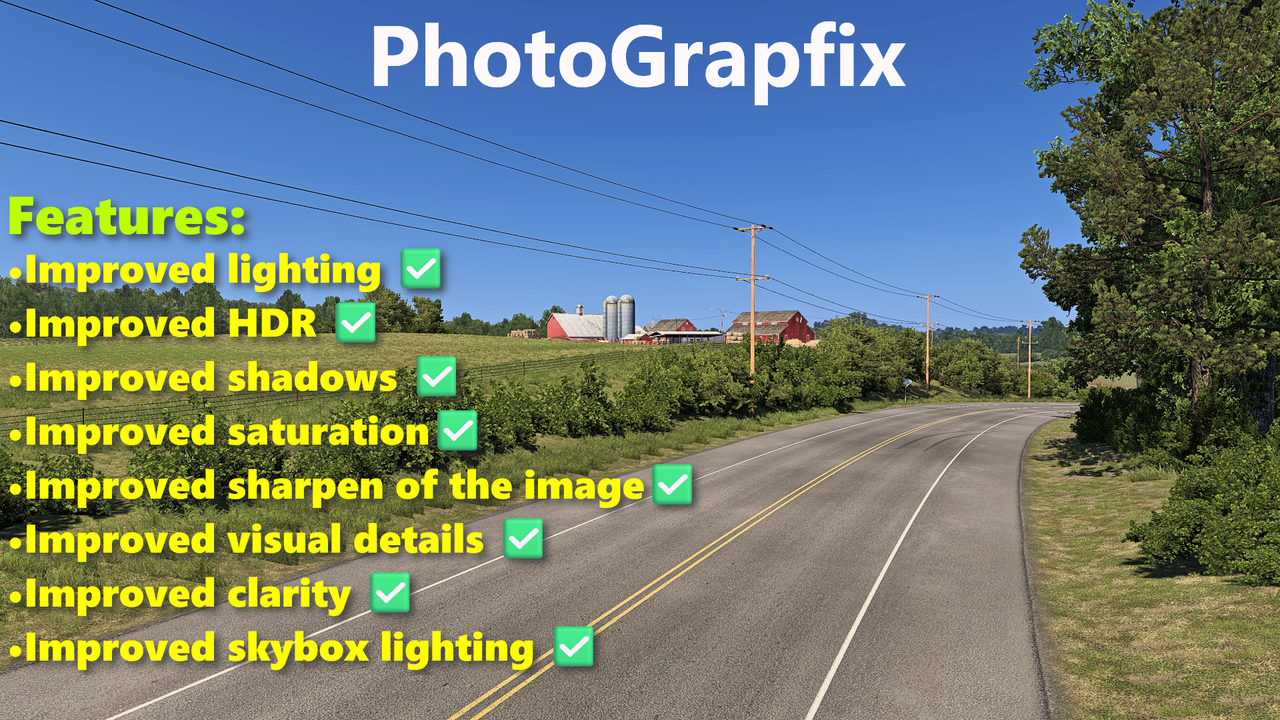
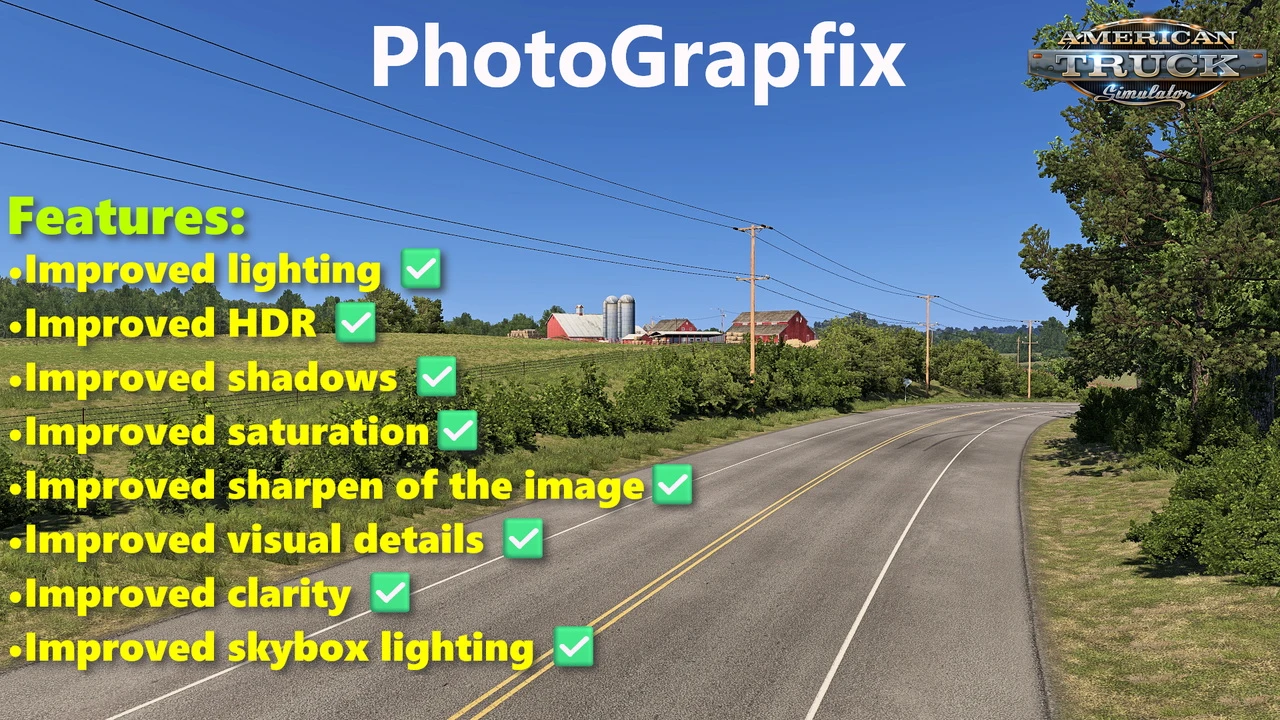
Features PhotoGrapfix:
– 🌞 Improved lighting: highlights, sunlight color, and contrast
– 🌗 Enhanced HDR: deeper shadows and balanced brightness
– 🔍 Sharper image clarity and shadow detail
– 🌈 Balanced saturation and color vibrance
– 🧵 Increased texture sharpness and visual detail
– ☁️ Improved skybox and cloud lighting
– 🚛 More readable in-cab dashboards
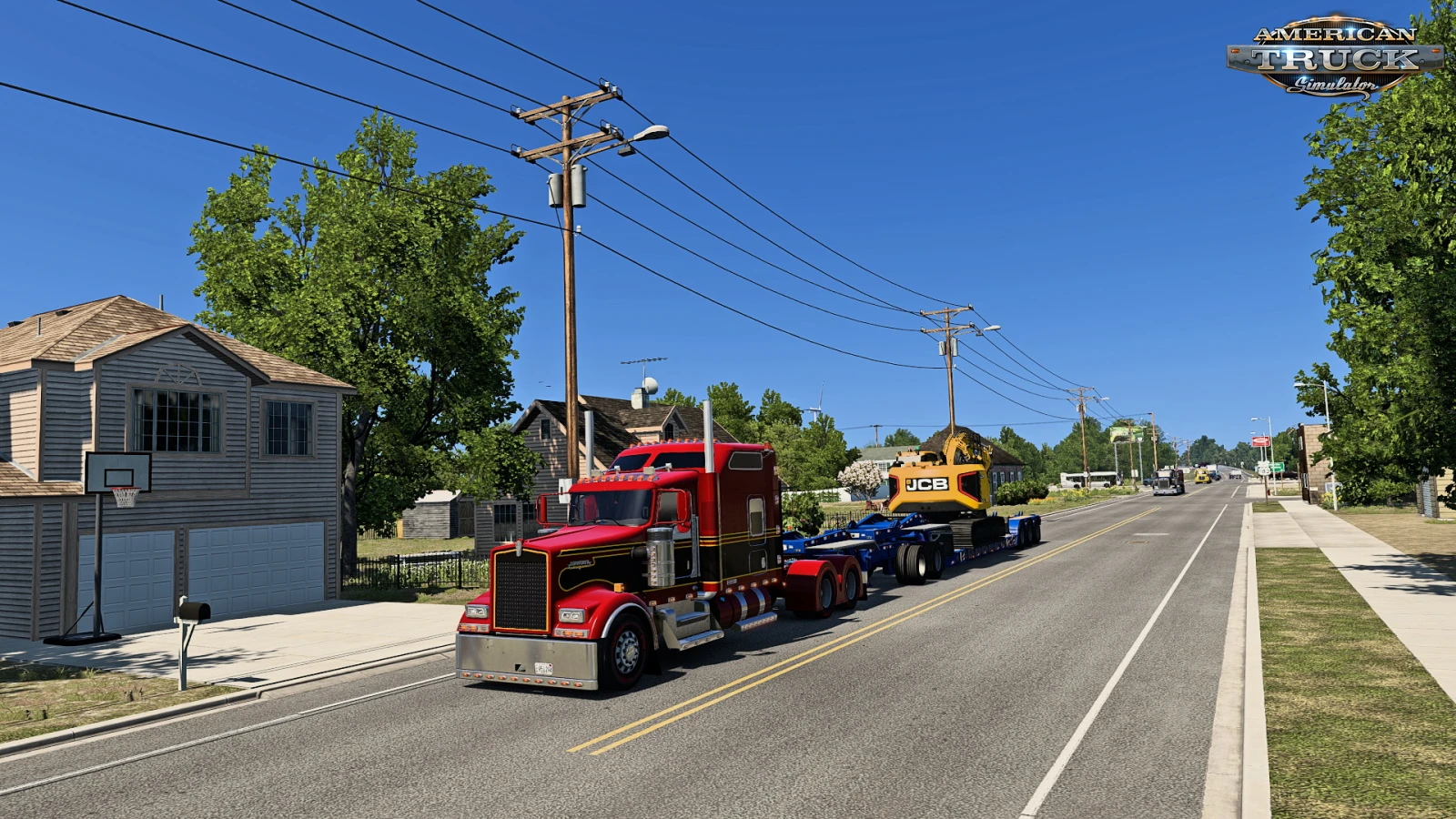
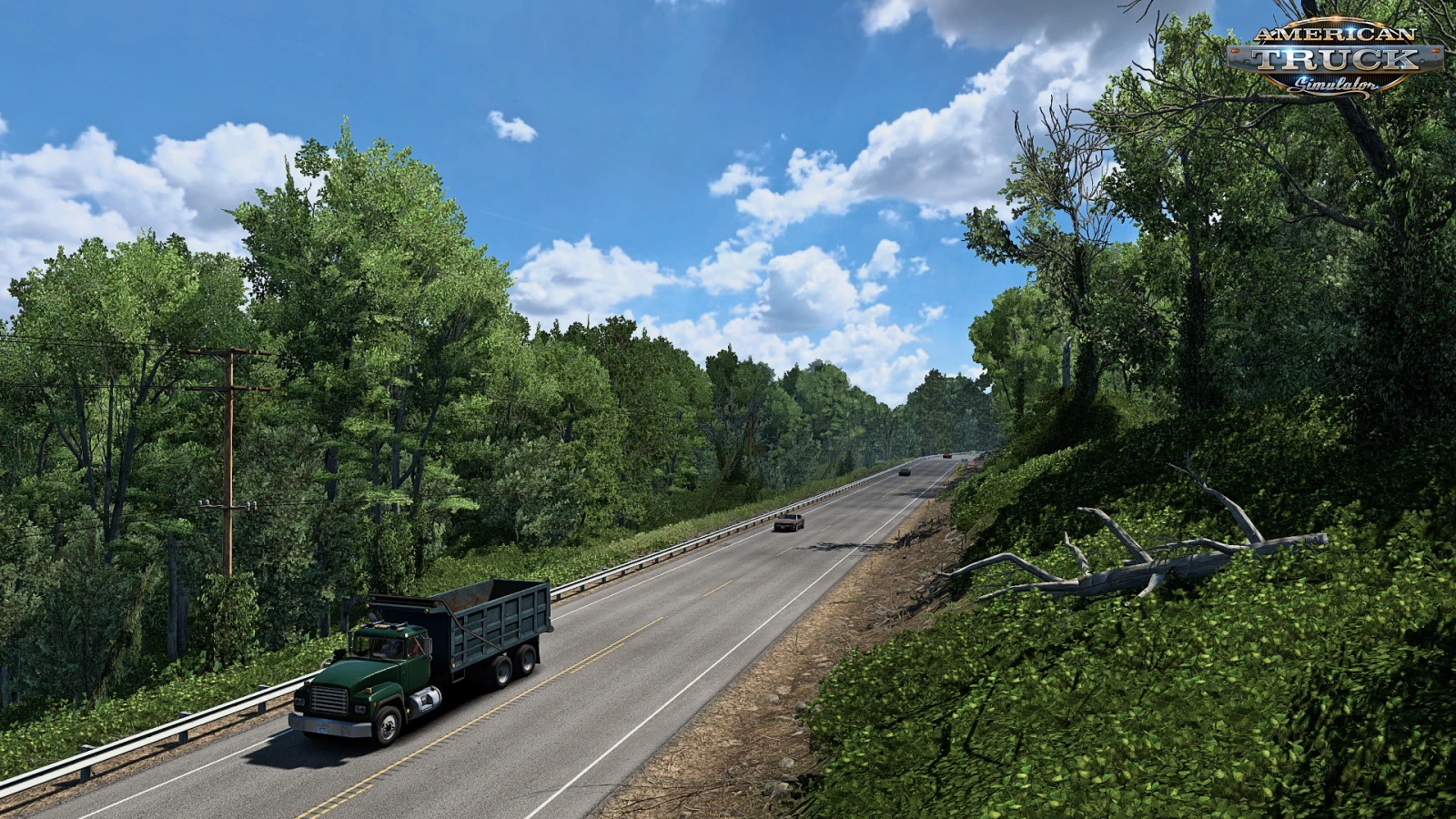
– 📸 Overall photorealistic enhancement to base game visuals
– ✅ Works with base SCS lighting
– 🍂 Compatible with Grimes seasonal mods: Frosty Winter, Early Autumn, New Summer, Late Autumn / Mild Winter
System Requirements
– 🟢 Requires Nvidia GPU and Nvidia App (formerly GeForce Experience)
– 🧩 Works only with Nvidia Freestyle enabled
🎮 Tested on game version 1.61.x

CategoryGraphics - Environments
Game Versionv1.60.x
CreditsLionv8
Description — PhotoGrapfix - Nvidia Presets v1.61 (1.61.x) for ATS

- ScreenshotsGallery
- ChangelogsUpdates
Changes in v1.61 (1.61.x):
- Compatible with 1.61 game version
- Tweaks in color correction.
Changes in v1.6 (1.60.x):
- Compatible with 1.60 game version
- Improved color correction
Changes in v1.5 (1.59.x):
- Compatible with 1.59 game version
Changes in v1.4 (1.58.x):
- Improved lighting
- Improved HDR
- Improved shadows
- Improved saturation
- Improved sharpen of the image
- Improved visual details
- Improved clarity
- Improved skybox lighting
- More readable dashboards
Changes in v1.3 (1.58.x):
- Compatible with 1.58 game version
- Tweaks in sharpness and texture details
Changes in v1.2 (1.57.x):
- Improved HDR
- Improved Bloom
Changes in v1.1 (1.57.x):
- Adapted to the latest game patch 1.57
- Improved lighting.
- Improved shadows.
Changes in v1.0 (1.56.x):
- first release
- Compatible with 1.61 game version
- Tweaks in color correction.
Changes in v1.6 (1.60.x):
- Compatible with 1.60 game version
- Improved color correction
Changes in v1.5 (1.59.x):
- Compatible with 1.59 game version
Changes in v1.4 (1.58.x):
- Improved lighting
- Improved HDR
- Improved shadows
- Improved saturation
- Improved sharpen of the image
- Improved visual details
- Improved clarity
- Improved skybox lighting
- More readable dashboards
Changes in v1.3 (1.58.x):
- Compatible with 1.58 game version
- Tweaks in sharpness and texture details
Changes in v1.2 (1.57.x):
- Improved HDR
- Improved Bloom
Changes in v1.1 (1.57.x):
- Adapted to the latest game patch 1.57
- Improved lighting.
- Improved shadows.
Changes in v1.0 (1.56.x):
- first release
Install «PhotoGrapfix - Nvidia Presets v1.61 (1.61.x) for ATS» Guide 4 Steps
01
Download
Get the mod archive (.zip/.rar) from the links above.
02
Extract
Use 7-Zip or WinRAR. Find the .scs file.
03
Move File
Copy .scs to:Documents/American Truck Simulator/mod/
04
Activate
ATS → Mod Manager → Enable mod → Save & Play 🚛
Pro Tips: Match mod version • Backup saves • Test one mod at a time
Policy & Disclaimer for «PhotoGrapfix - Nvidia Presets v1.61 (1.61.x) for ATS» Important Notice
External Links
We review all links at publishing, but cannot guarantee ongoing availability or safety of third-party resources.
Mod Ownership
All mods belong to their creators. We don't host files — downloads come directly from original authors or authorized mirrors.
Use Safely
Mods may affect stability. Always backup saves before installing. We aren't liable for issues from mod usage.
Download «PhotoGrapfix - Nvidia Presets v1.61 (1.61.x) for ATS» Free Safe Tested
Version game: v1.60.x
File size: 500 B
Total views: 6 542
Support the Author
Enjoy this mod? A small contribution helps the modder keep creating free content for the ATS community! 🚛❤️
photograpfix_-_nvidia_presets_ets2_ats.zip [500 b] (downloads: 23)