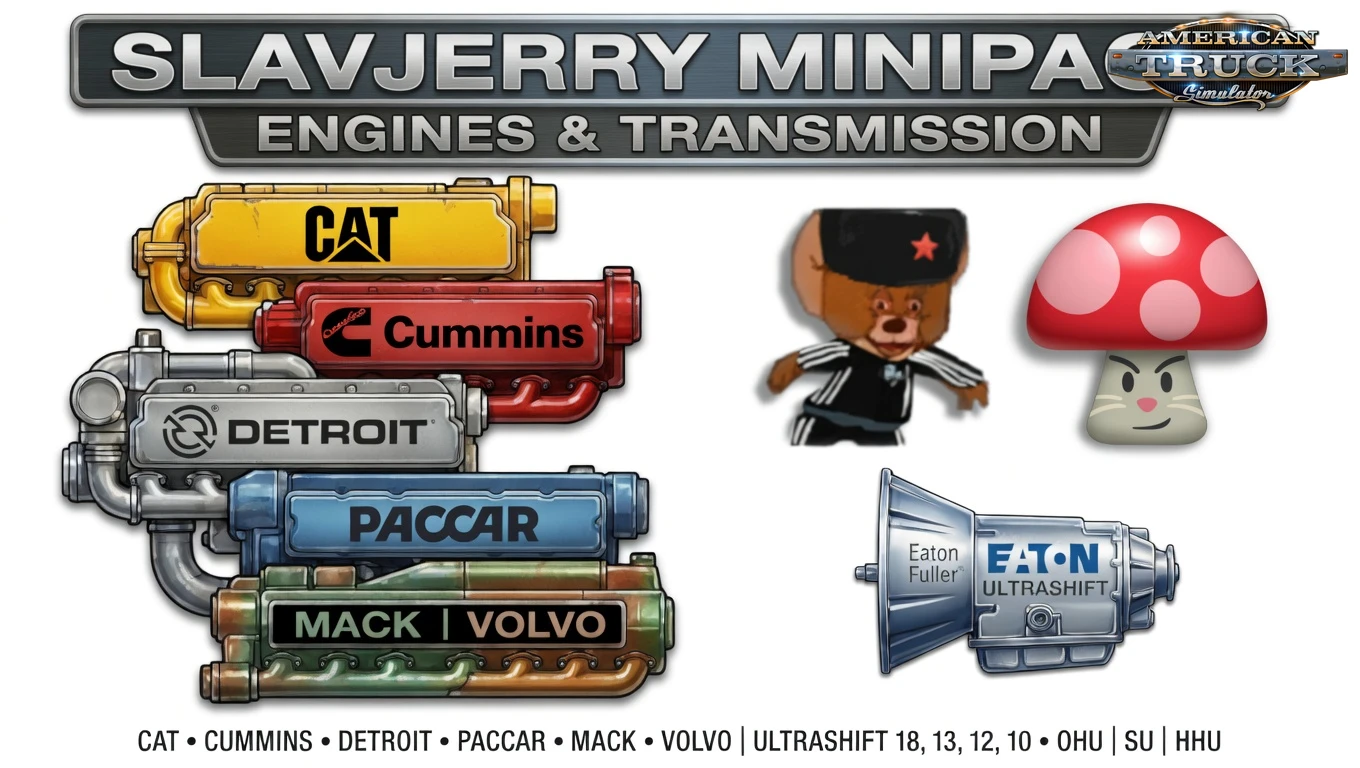
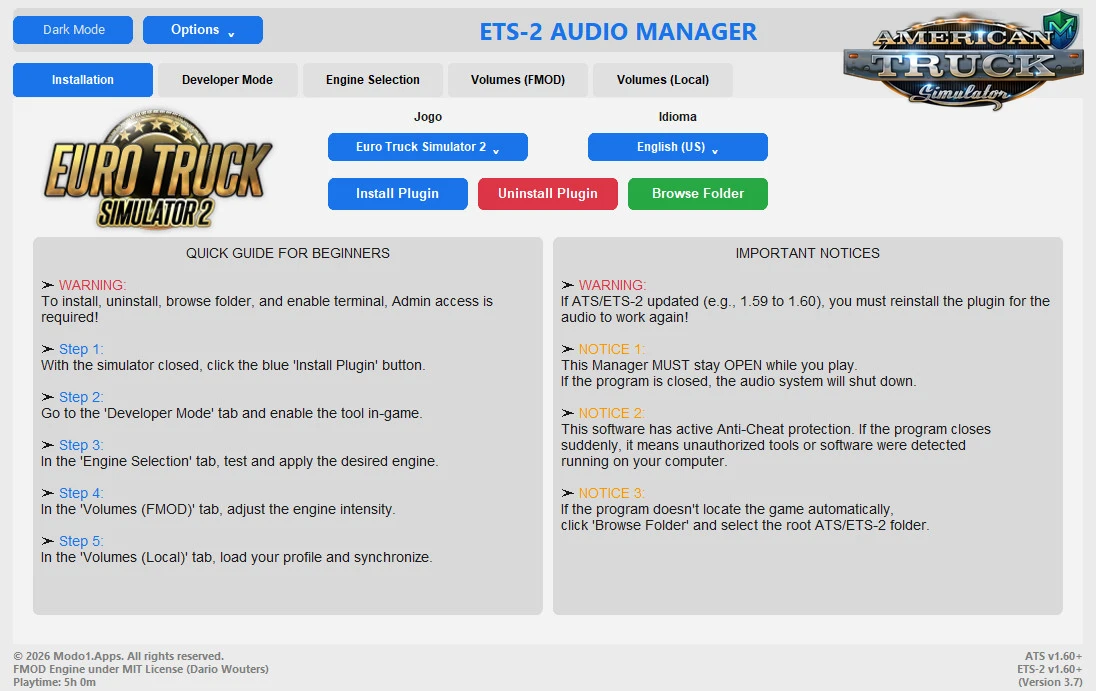
🔊 Audio Manager for ATS and ETS2 - is a powerful multi‑game audio control tool designed for both American Truck Simulator and Euro Truck Simulator 2. It allows you to fine‑tune engine sounds, environmental audio, radio, UI elements, and more — all through a modern, bilingual interface with automatic installation and cloud‑validated updates.
Features of Audio Manager:
– 🎮 Multi‑Game Support — switch between ATS & ETS2 instantly
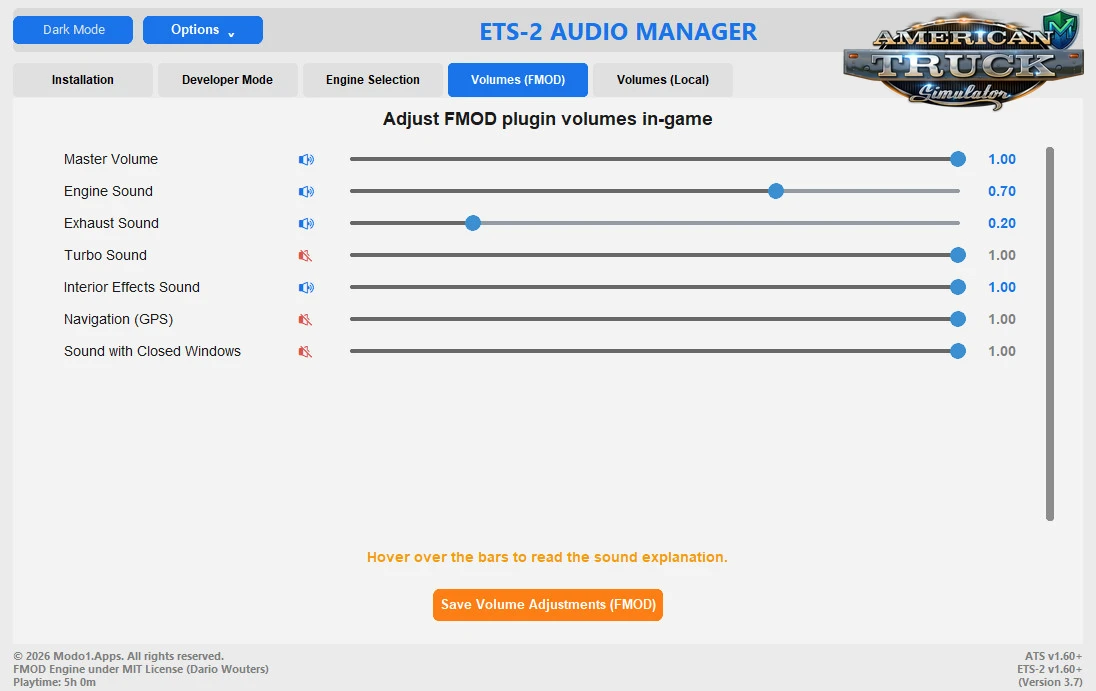
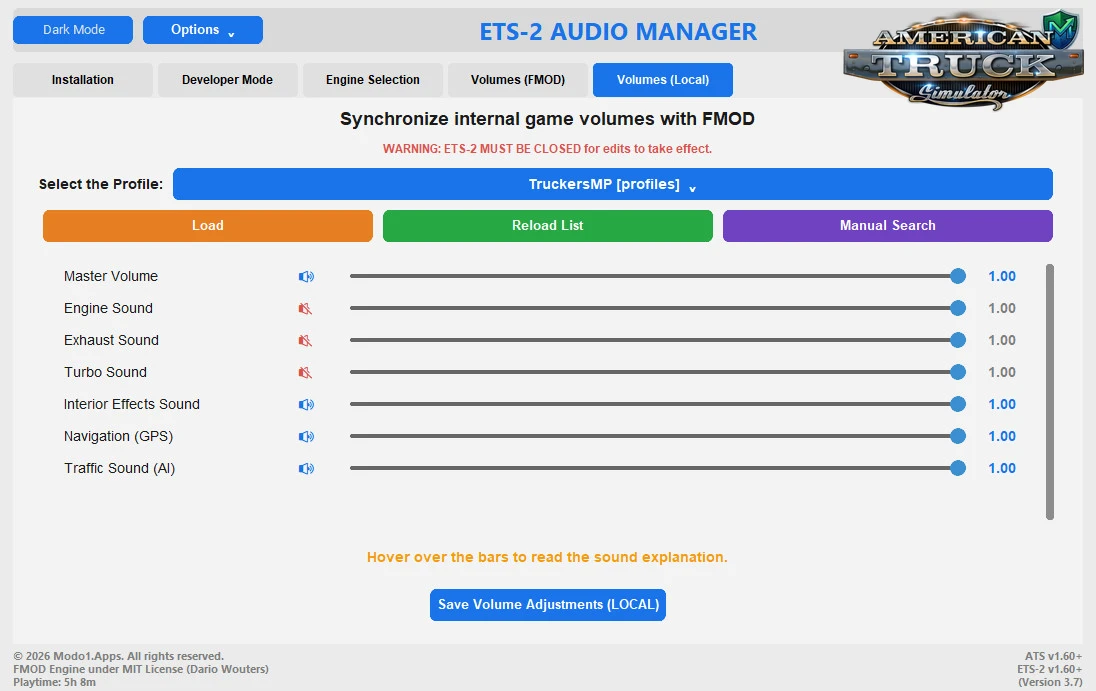
– 🔊 Total audio control with previews, engine/exhaust/turbo volume sliders
– ⚙️ Automatic installation via Steam folder detection
– 🖥️ Modern bilingual interface (PT‑BR & EN‑US) with Dark/Light themes
– ☁️ Cloud updates for license validation & latest version
– 🎚️ In‑game audio menu with full control
– 🔉 Individual volume sliders for engines, environment, radio & UI
– 🎵 Custom engine sound pitch & volume adjustments
– 🎧 Enhanced sound balance & mixing options
– 💾 Preset saving & loading for different setups
– 🧩 Compatible with sound & truck mods
– 🪶 Lightweight with zero performance impact
– 🛠️ Easy‑to‑use interface for quick adjustments
Changes in v3.9:
– 🔐 Enhanced Security (Anti‑Bypass v2) — the offline security module has been fully rewritten with new cloaking layers natively integrated into Windows, preventing external tampering and unauthorized file manipulation
– 🗂️ Data Protection Upgrade — the validation architecture now isolates critical components in secure system areas, blocking attempts to restore, clone, or spoof activation states
– 🖥️ Interface Optimization — ultimate fix for internal DPI‑tracker crashes caused by merged pop‑ups and native notification windows
⭐ Tested on latest game version 1.60.x
CategoryOther mods ats
Game Versionv1.60.x
CreditsModo01
Description — Audio Manager v3.9 (1.60.x) for ATS
- ScreenshotsGallery
- ChangelogsUpdates
Changes in v3.7 (1.60.x):
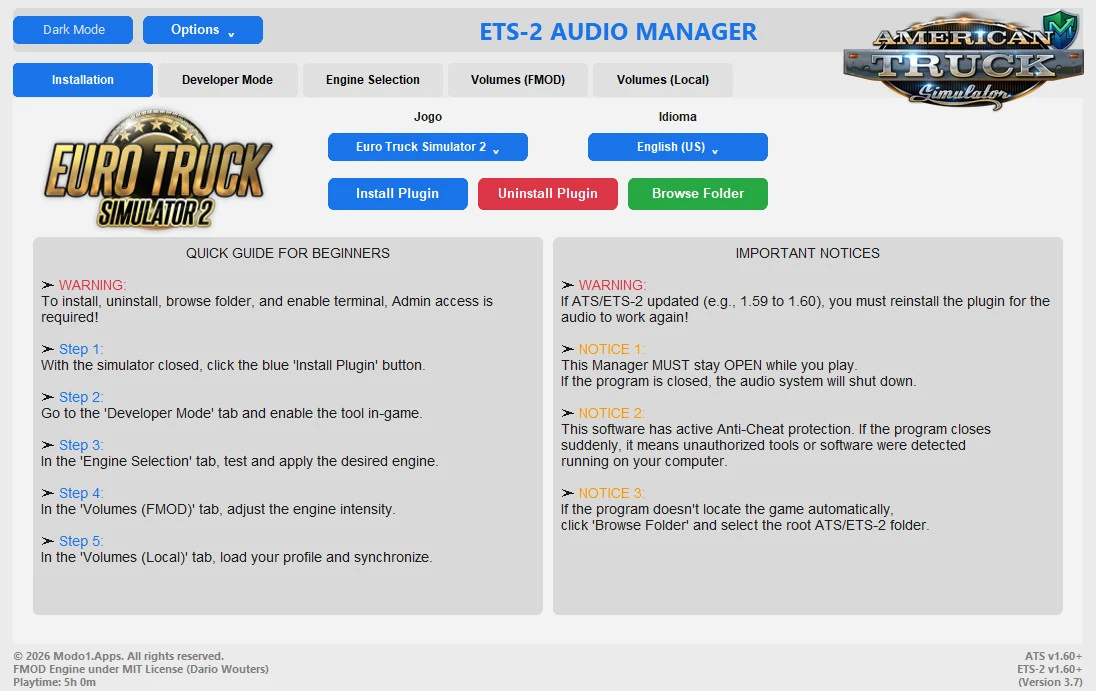
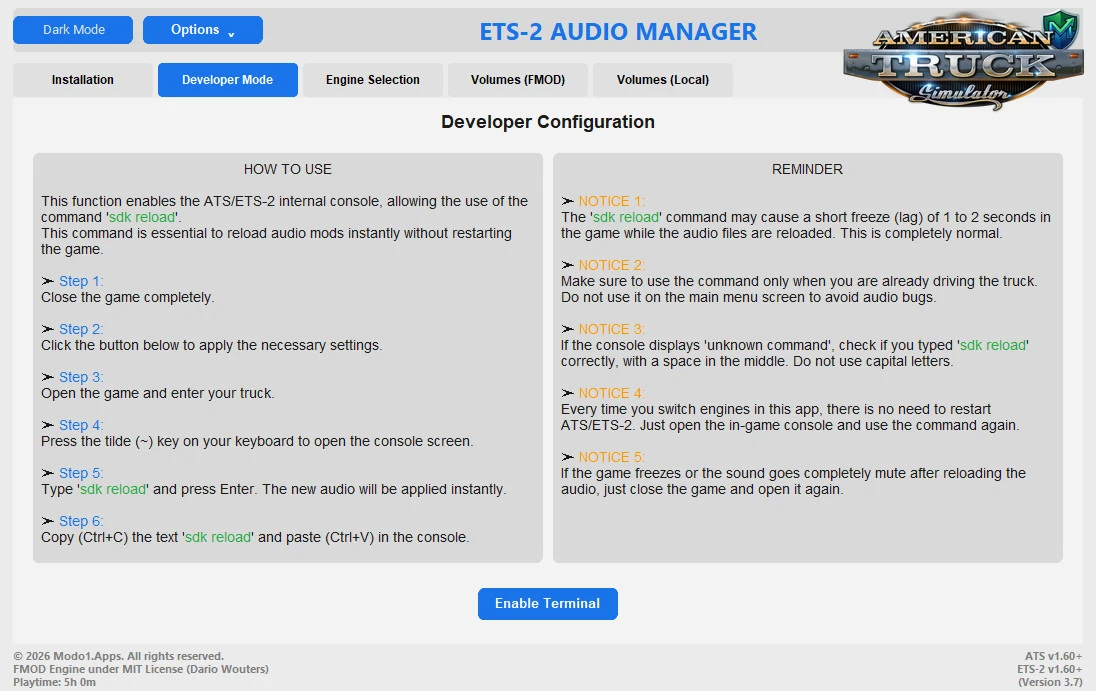
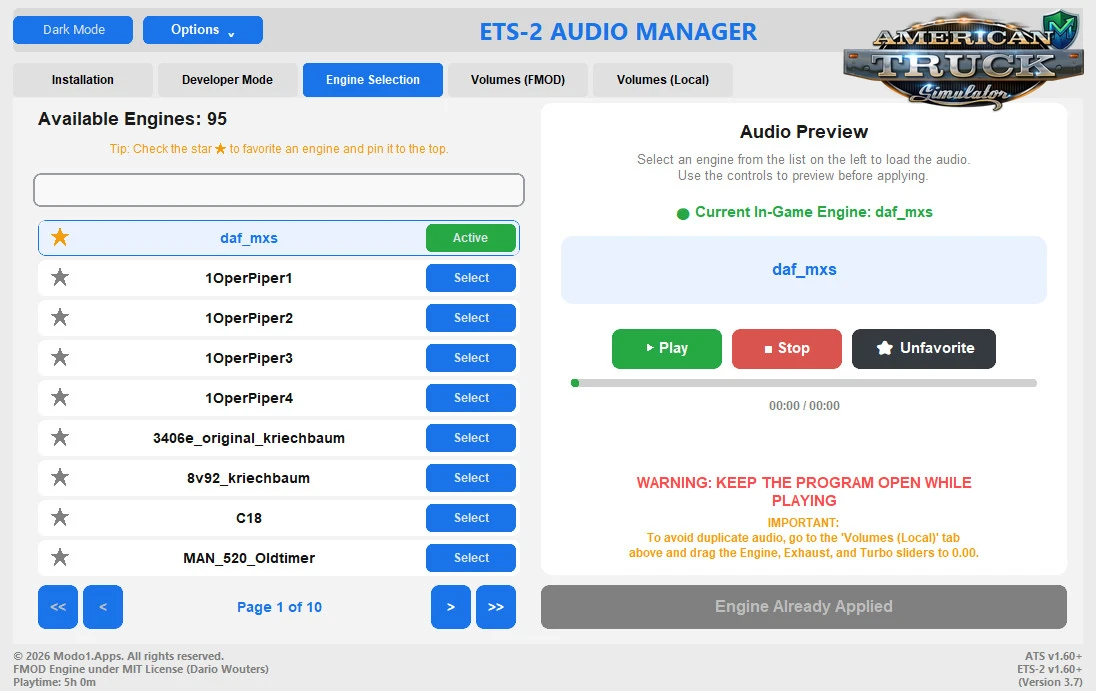
• Smart Selection: The application now remembers and automatically selects the last engine used in the game right upon opening.
• Visual Feedback: The right panel now clearly displays the green indicator '🟢 Current In-Game Engine', showing exactly which sound is active in the simulator.
• Smart Button: The 'Apply Engine' button now recognizes if the engine is already in use, preventively locking itself to avoid unnecessary clicks (Engine Already Applied).
• Dynamic List: The big list button changes color (Green) and text ('Active') for the engine currently in use.
• Visual Fix: Resolved the bug where the large ATS/ETS2 logo disappeared when opening the final compiled version.
• Optimization: Cleanup of the compilation code and scripts to make the executable lighter and faster.
• UX Improvement: The success toast now displays the full game name.
• Modernized Menus: The Game and Language toggle switches were replaced by clean and elegant floating dropdown menus (Windows 11 style), preparing the system to support even more languages in the future.
• Theme Integration: The Game and Language menus now dynamically match the Dark / Light Mode color.
• Independent Art: Simulator icons are now isolated from the layout engine, eliminating blank spaces and featuring unique (x, y) coordinates for both ATS and ETS-2.
Download Link 1 | Download Link 2
• Smart Selection: The application now remembers and automatically selects the last engine used in the game right upon opening.
• Visual Feedback: The right panel now clearly displays the green indicator '🟢 Current In-Game Engine', showing exactly which sound is active in the simulator.
• Smart Button: The 'Apply Engine' button now recognizes if the engine is already in use, preventively locking itself to avoid unnecessary clicks (Engine Already Applied).
• Dynamic List: The big list button changes color (Green) and text ('Active') for the engine currently in use.
• Visual Fix: Resolved the bug where the large ATS/ETS2 logo disappeared when opening the final compiled version.
• Optimization: Cleanup of the compilation code and scripts to make the executable lighter and faster.
• UX Improvement: The success toast now displays the full game name.
• Modernized Menus: The Game and Language toggle switches were replaced by clean and elegant floating dropdown menus (Windows 11 style), preparing the system to support even more languages in the future.
• Theme Integration: The Game and Language menus now dynamically match the Dark / Light Mode color.
• Independent Art: Simulator icons are now isolated from the layout engine, eliminating blank spaces and featuring unique (x, y) coordinates for both ATS and ETS-2.
Download Link 1 | Download Link 2
Install «Audio Manager v3.9 (1.60.x) for ATS» Guide 4 Steps
01
Download
Get the mod archive (.zip/.rar) from the links above.
02
Extract
Use 7-Zip or WinRAR. Find the .scs file.
03
Move File
Copy .scs to:Documents/American Truck Simulator/mod/
04
Activate
ATS → Mod Manager → Enable mod → Save & Play 🚛
Pro Tips: Match mod version • Backup saves • Test one mod at a time
Policy & Disclaimer for «Audio Manager v3.9 (1.60.x) for ATS» Important Notice
External Links
We review all links at publishing, but cannot guarantee ongoing availability or safety of third-party resources.
Mod Ownership
All mods belong to their creators. We don't host files — downloads come directly from original authors or authorized mirrors.
Use Safely
Mods may affect stability. Always backup saves before installing. We aren't liable for issues from mod usage.
Download «Audio Manager v3.9 (1.60.x) for ATS» Free Safe Tested
Version game: v1.60.x
File size: 353.4 Mb
Total views: 486
Support the Author
Enjoy this mod? A small contribution helps the modder keep creating free content for the ATS community! 🚛❤️