SCS Software has unveiled the new Mode Switch system, a core feature created for the upcoming Coaches DLC in Euro Truck Simulator 2 and Road Trip in American Truck Simulator. This system allows players to seamlessly move between different gameplay experiences while keeping them connected within the same profile.
Three Gameplay Modes– 🚛 Truck Mode – focused on cargo transport, company growth, and trucking business management.
– 🚗 Car Mode – introduced with Road Trip, emphasizing exploration, sightseeing, and building customer reputation.
– 🚌 Coach Mode – centered around passenger transport, route management, comfort, and passenger satisfaction.
Separate Progression Systems– 🎮 Each mode has its own career progression and gameplay mechanics.
– ⭐ Car Mode uses a reputation system instead of traditional experience points.
– 🚌 Coach and Truck careers maintain their own progression paths.
Shared Profile FeaturesDespite separate careers, several systems remain shared:
– 💰 Money is shared across Truck, Car, and Coach modes.
– 🗺️ Map exploration is shared between all modes.
– 🚗 Roads discovered in a car remain discovered when returning to a truck or coach.
– 📊 Shared world progression keeps all gameplay connected within a single profile.
How Mode Switching Works– ⚙️ Players can switch modes whenever they are not actively driving.
– 🚫 Only one active job can exist across all modes at any given time.
– ▶️ The actual transition occurs after pressing the Drive button.
– 📍 When switching, you continue from the location where you last left your truck, coach, or car.
Navigation & Vehicle Position Tracking– 🗺️ The map displays the locations of your other vehicles.
– 🚚 Your current position during Quick Jobs is also visible.
– ⚠️ Currently, navigation remains tied to the last mode you drove in until you begin driving in the newly selected mode.
– 🔧 SCS plans future improvements to make navigation transitions smoother.
Integration with the New Fatigue System– 😴 Rest State is shared across all modes and reflects overall driver tiredness.
– 🛑 Mandatory Breaks represent legal driving regulations.
– 🚛 Trucks require mandatory breaks.
– 🚌 Coaches require mandatory breaks.
– 🚗 Cars are not subject to mandatory break regulations.
Ready to hit the road? Today, we're taking a closer look at one of the new systems created for our upcoming
Coaches DLC for Euro Truck Simulator 2 and
Road Trip for American Truck Simulator; Mode Switch. This feature helps bring different types of gameplay together, allowing you to move between your trucking career and new adventures behind the wheel of a car or coach!
![]()
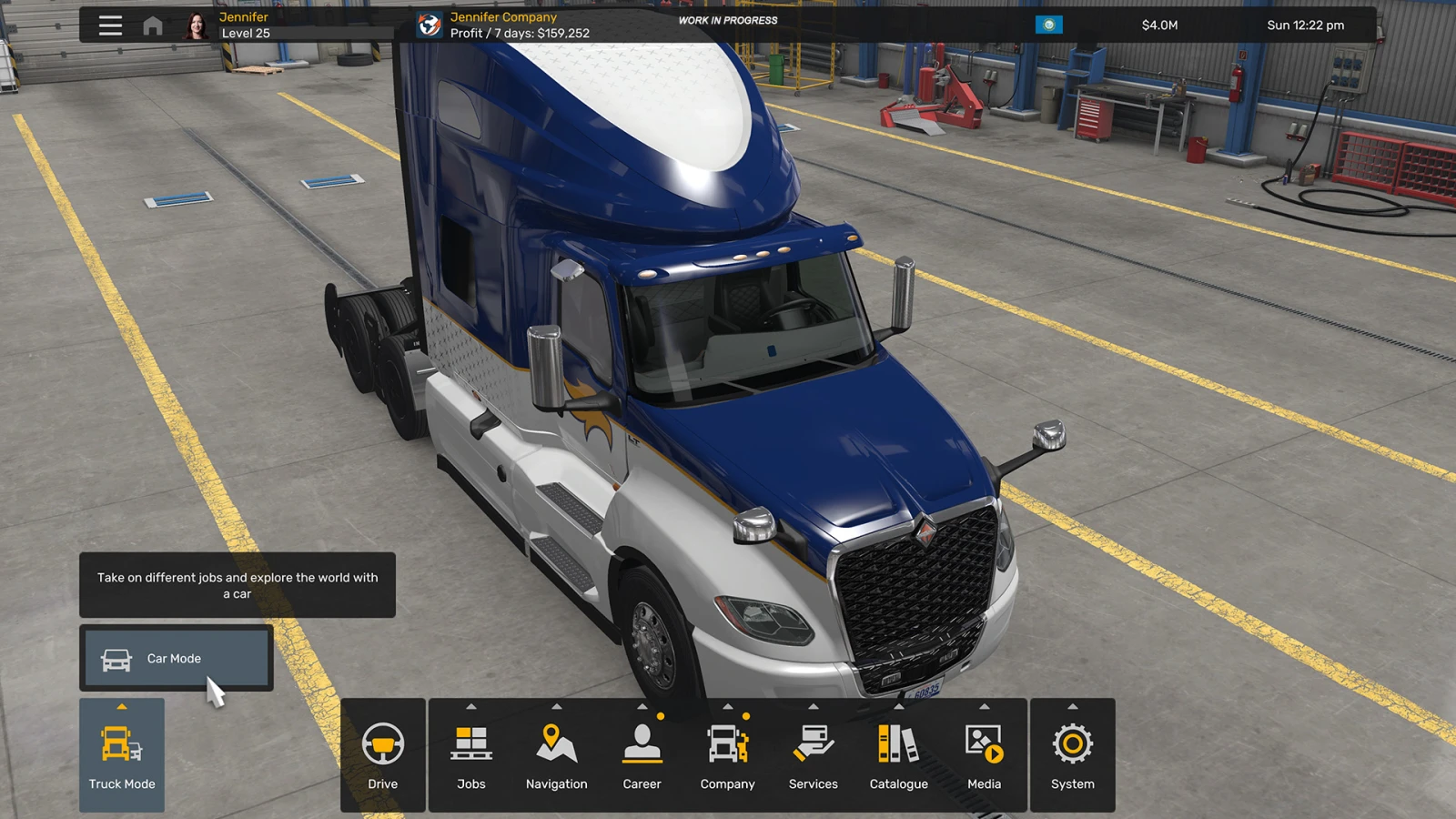
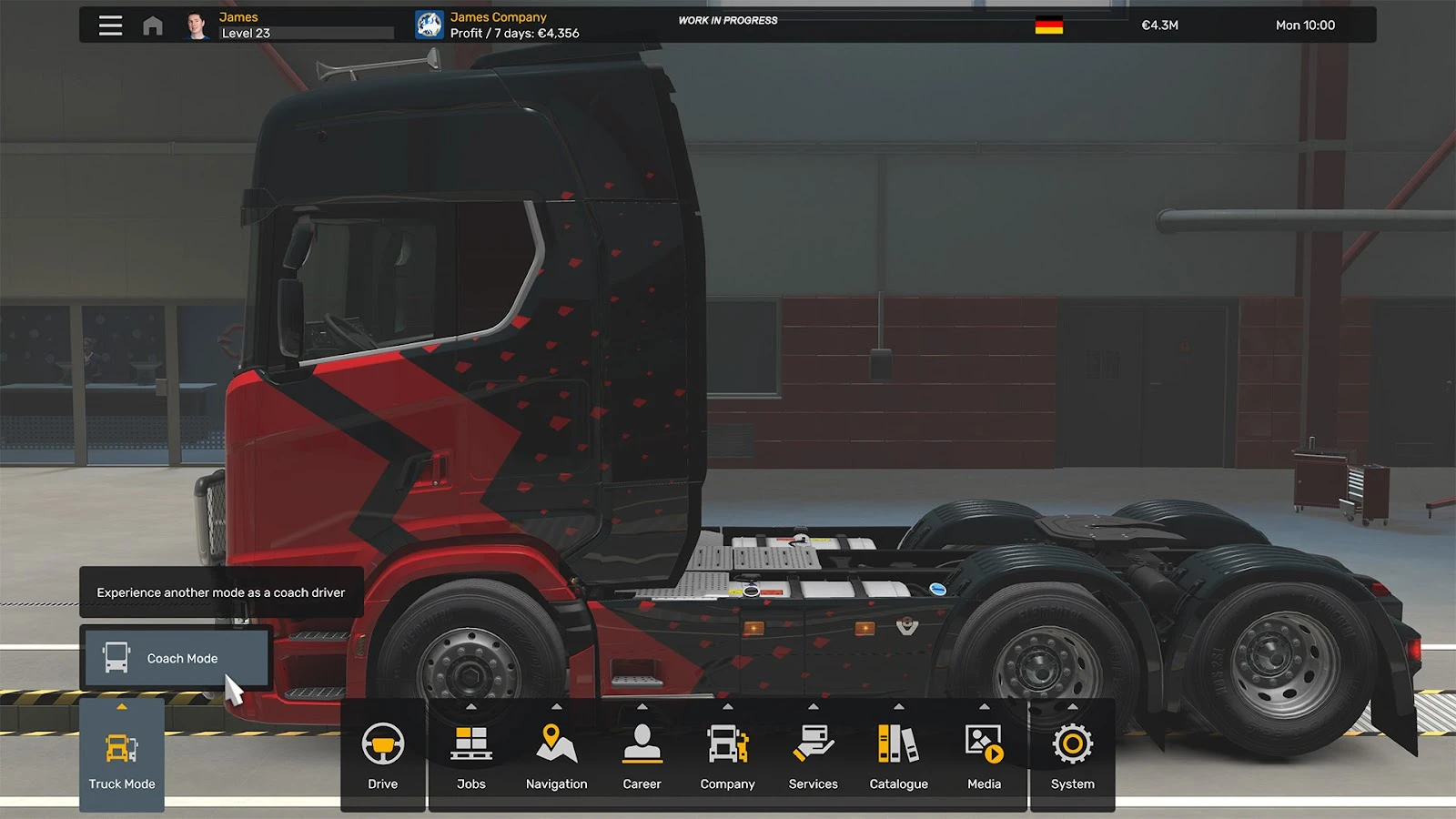
ETS2 & ATS are expanding beyond trucking, and with that comes the need to clearly separate the different careers and gameplay experiences available to players. This is why we have divided the game into different modes, Truck Mode, Car Mode and Coach Mode.
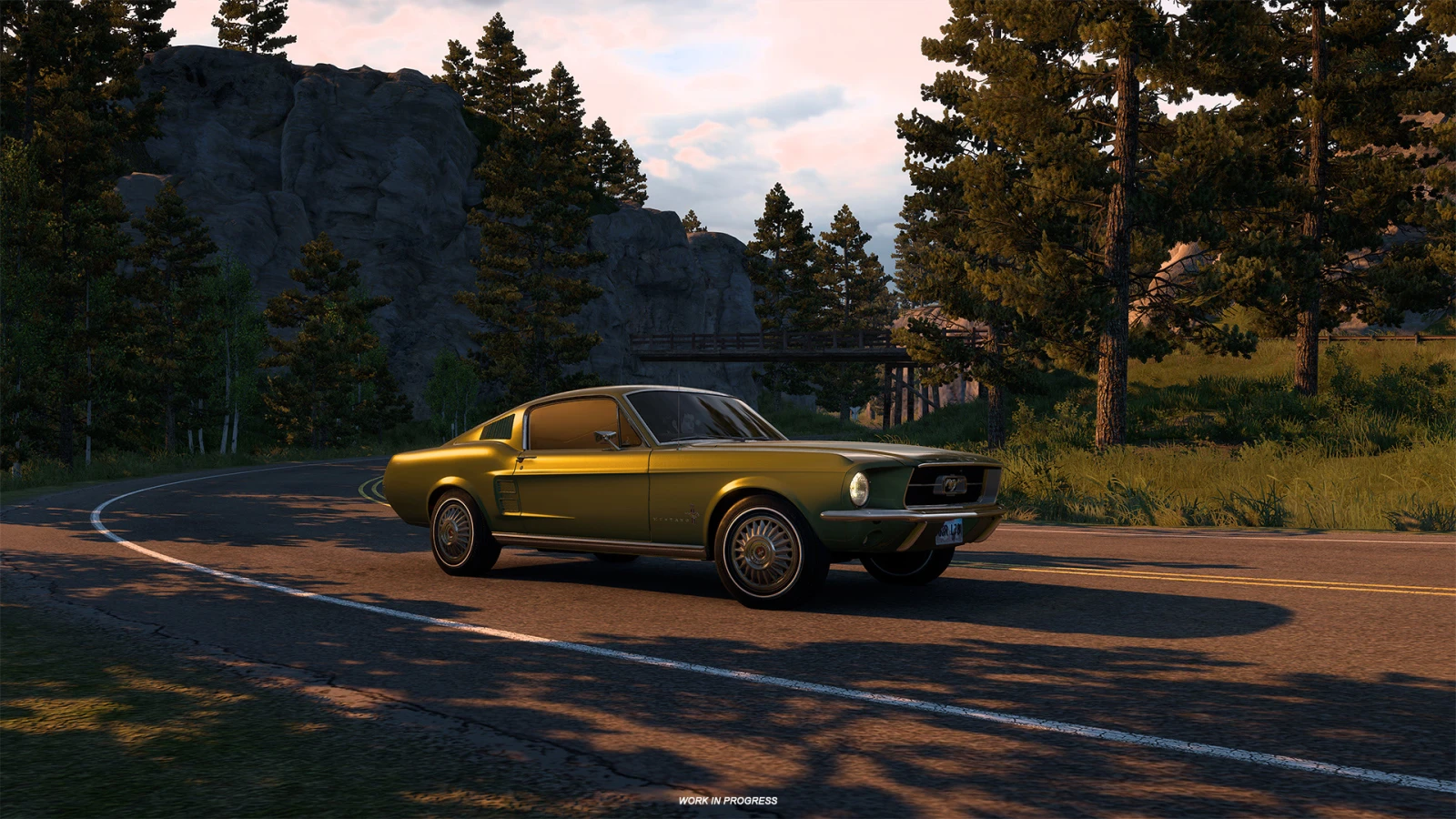
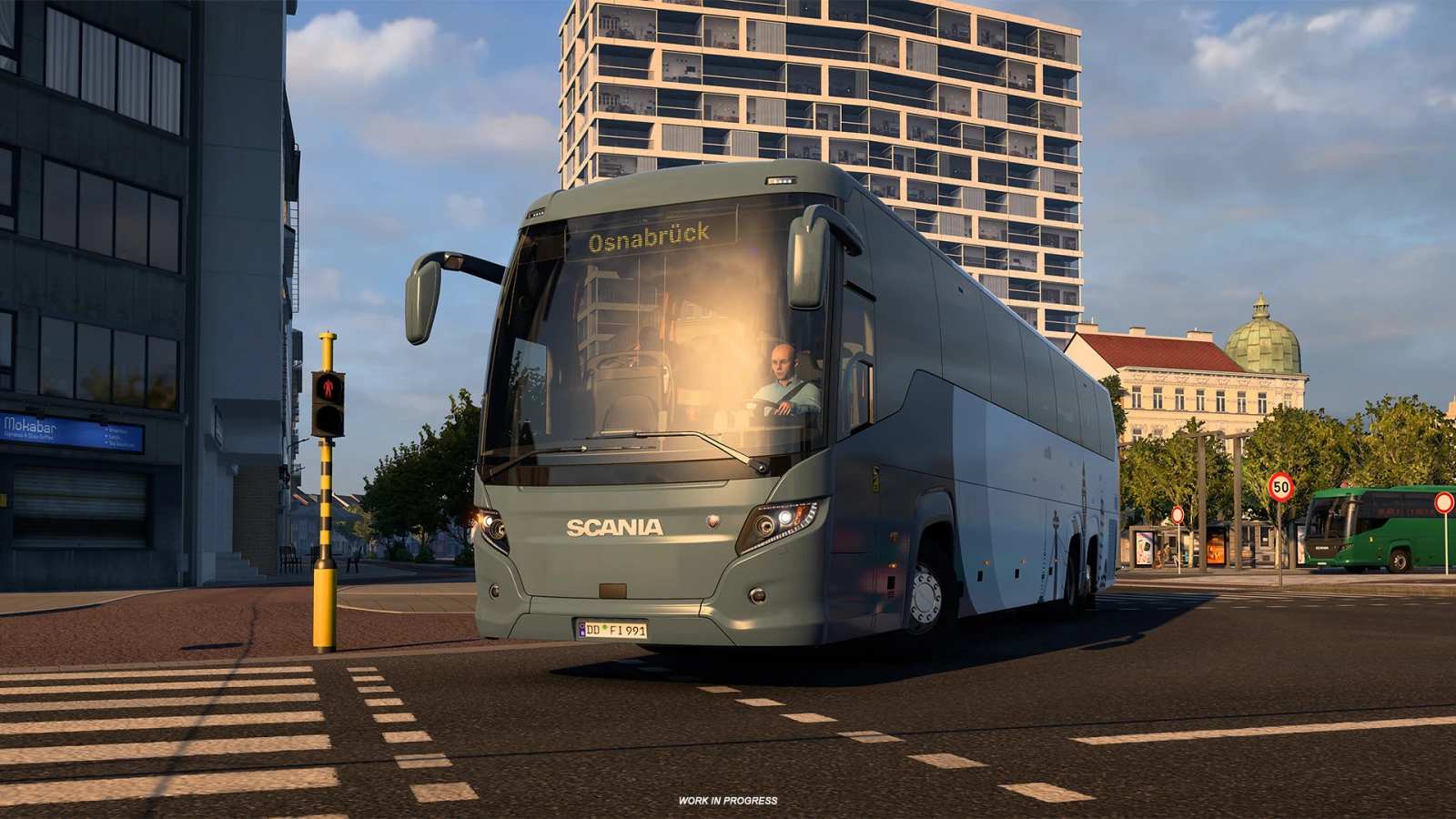
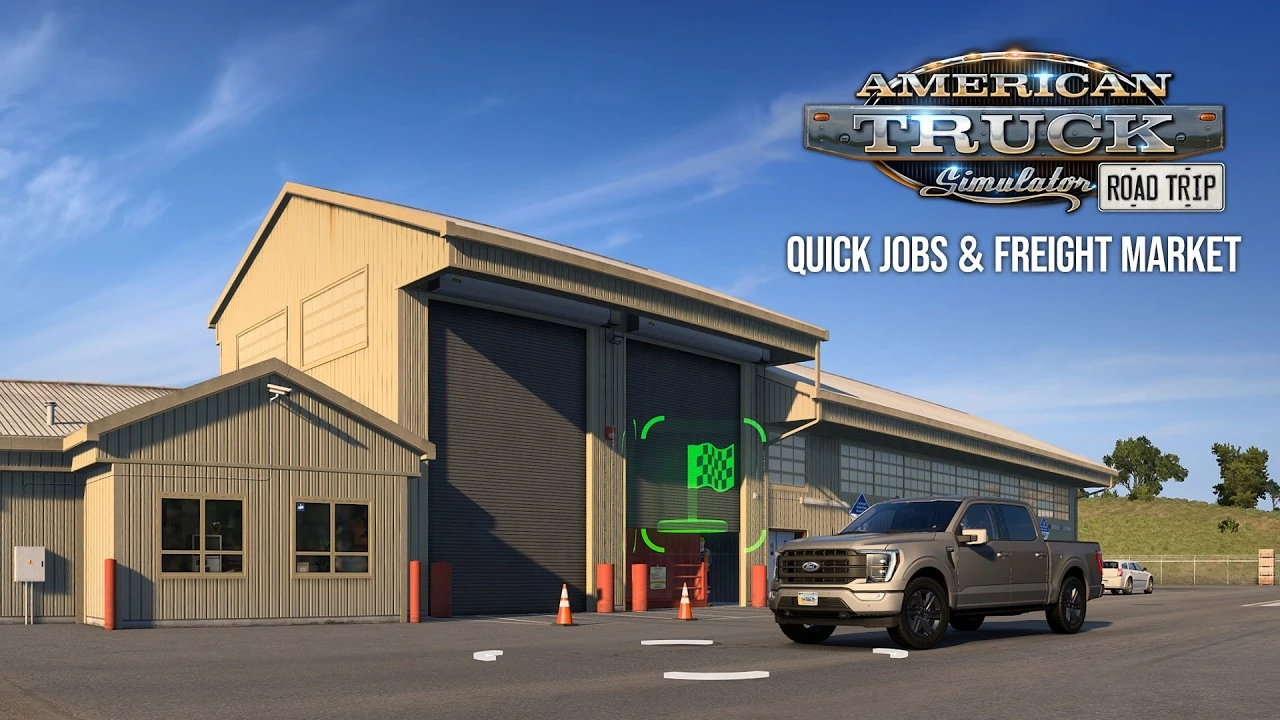
Each mode has its own gameplay, progression, and career systems. Truck Mode remains centred around transporting cargo and building your trucking business, while Car Mode, introduced with Road Trip, places a greater emphasis on exploration and building your reputation with customers. Coach Mode will focus on operating routes, providing passengers with a smooth journey, and keeping them satisfied along the way.
![]()
![]()
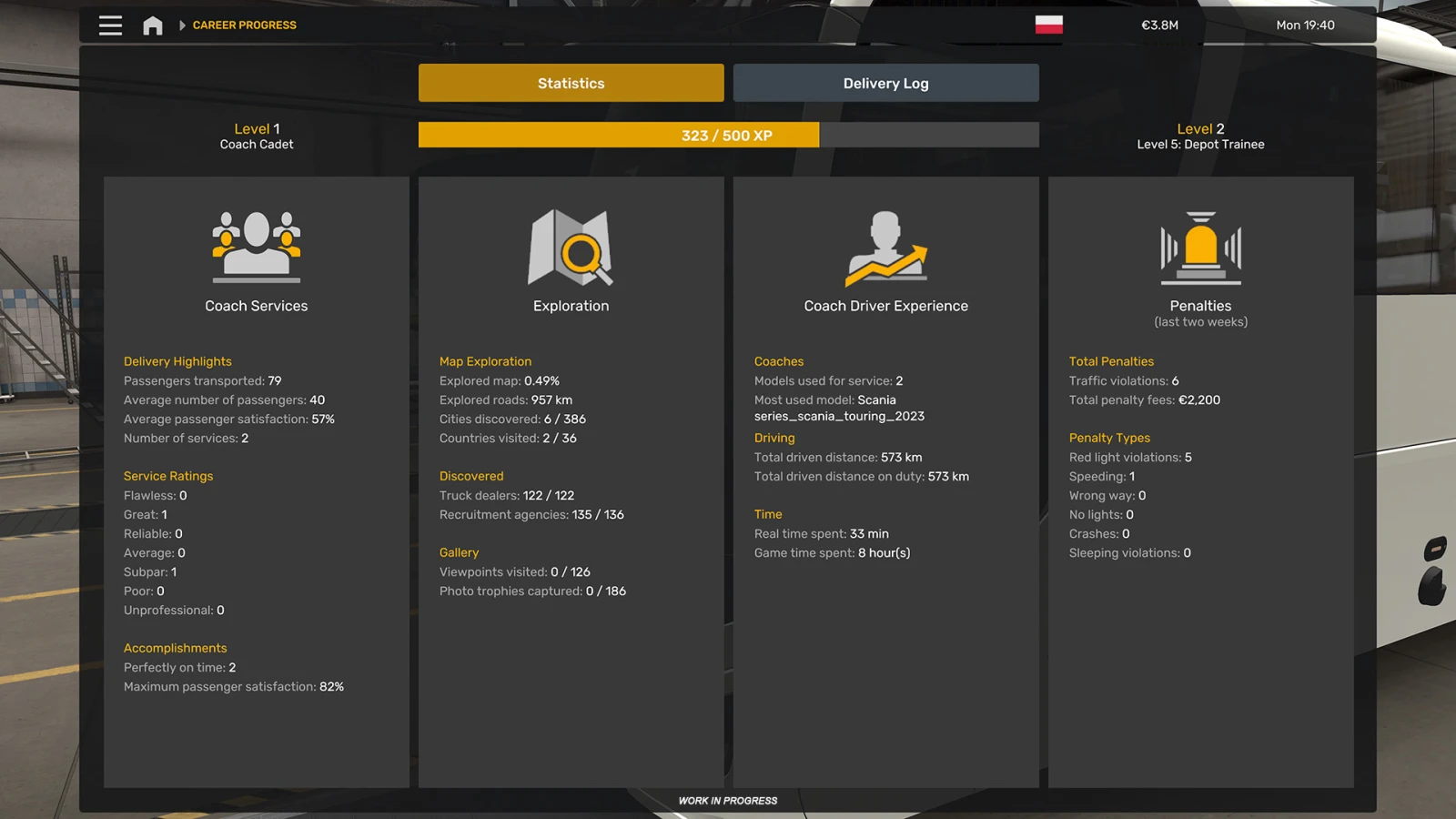
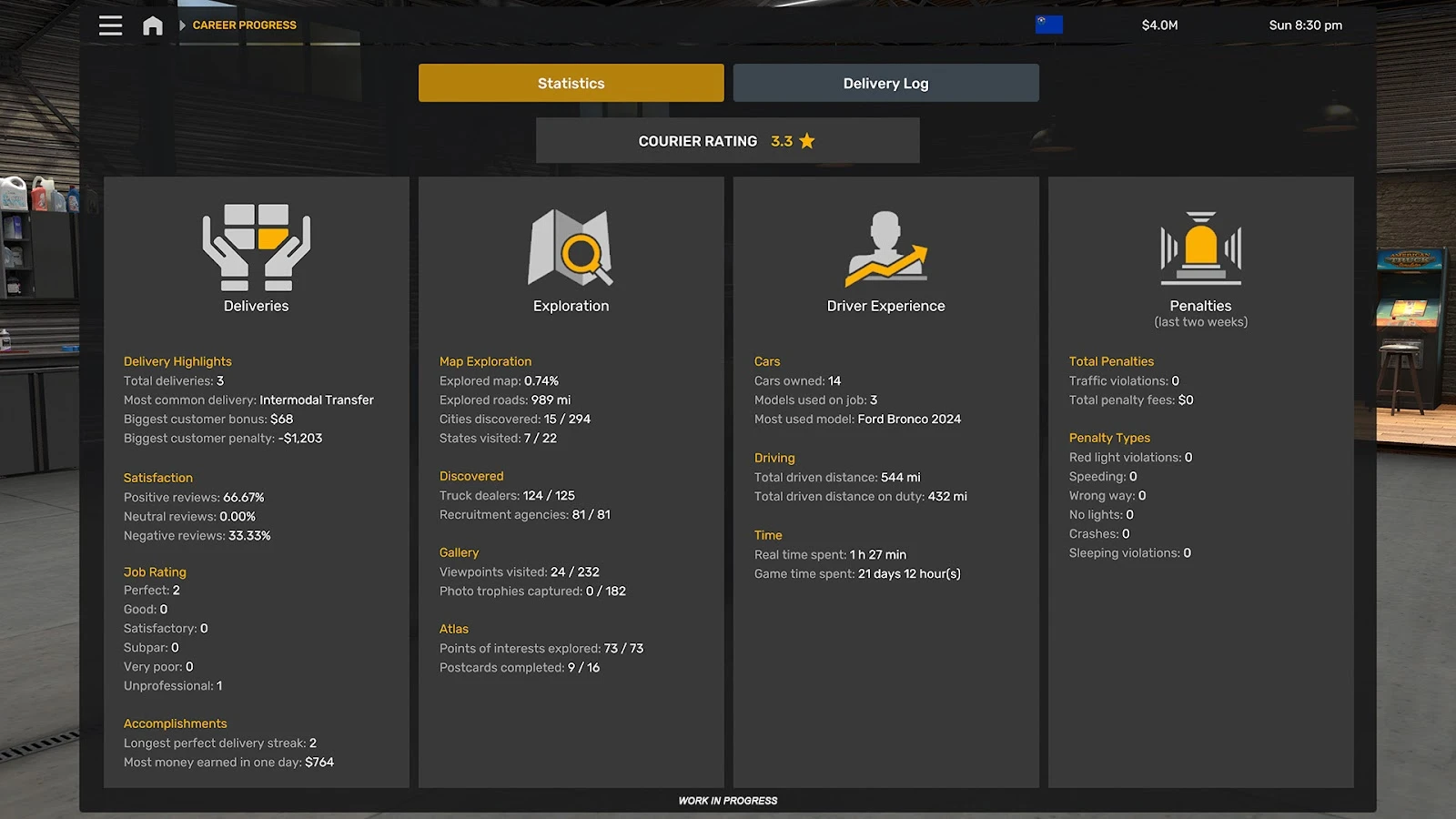
Progression is separate between these careers, with Car Mode using reputation rather than traditional experience points. However, some important parts of your profile remain shared. Your money and map exploration carry across all modes, meaning roads discovered while travelling by car will remain explored when you return to your truck, and vice versa.
Separating the experience into different modes also allows us to keep everything relevant to your current career together in one place, including your vehicles, progression, statistics, and other mode-specific information.
![]()
Switching between modes is straightforward. You can enter another mode while you're not driving to manage that career, although you cannot have more than one active job across all modes at the same time. The full switch between modes happens once you press the Drive button.
As of right now, the navigation system remains tied to the mode you last drove in, so you won’t be able to set or adjust a route for the newly selected mode. As soon as you hit the road, the correct navigation and gameplay systems for that mode will kick in. Looking ahead, we’re already looking at ways to make navigation between modes feel even smoother in future updates.
![]()
Wonder where you last left off in your vehicle? The map will also show the positions of your other vehicle, as well as your current position when undertaking a Quick Job. When you mode switch, you'll continue from the location where you left your truck, coach, or car.
The introduction of multiple modes also played a part in our recent changes to the fatigue system. Fatigue Simulation is now separated into Rest State and Mandatory Breaks. Your Rest State represents how tired your character is and is shared across modes, while Mandatory Breaks represent legally required rest periods. Trucks and coaches are subject to Mandatory Breaks, while cars are not.
![]()
The introduction of different modes is an important part of expanding Euro Truck Simulator 2 and American Truck Simulator while keeping their various gameplay experiences connected. Each mode offers its own career and progression, while shared systems such as money and exploration help ensure everything still feels like part of the same world and profile.
We hope this gives you a better understanding of how Mode Switch works and some of the thought process behind the creation of the system. We're looking forward to getting you behind the wheel of some new vehicle types in Euro Truck Simulator 2 and American Truck Simulator!
Until next time, keep an eye on our blog and social media for all the latest news, and we’ll see you on the road!