ATS Mods American Truck Simulator Mods | ATS Trucks, Maps

Submit Mod
ATS Mods » Other mods » Graphics - Environments » TAA (Temporal Anti Aliasing) v10.2.30 (1.56.x) for ATS

TAA (Temporal Anti Aliasing) v10.2.30 (1.56.x) for ATS 0

+5
2 962 views
0 comments
Category - Graphics - Environments
Game Version - v1.56.x
Credits: -
Last edited by: admin - 1-10-2025, 10:44
Reason: Mod Updated to v10.2.30

📄 Description about « TAA (Temporal Anti Aliasing) v10.2.30 (1.56.x) for ATS »:


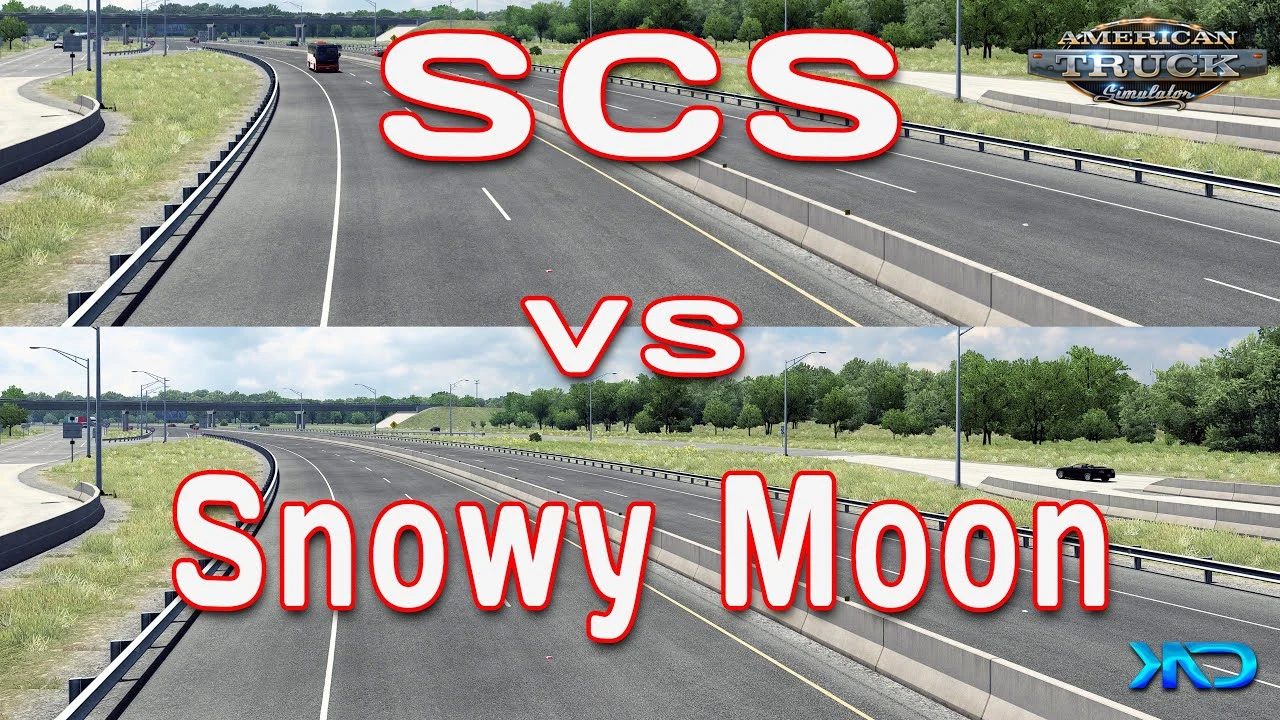
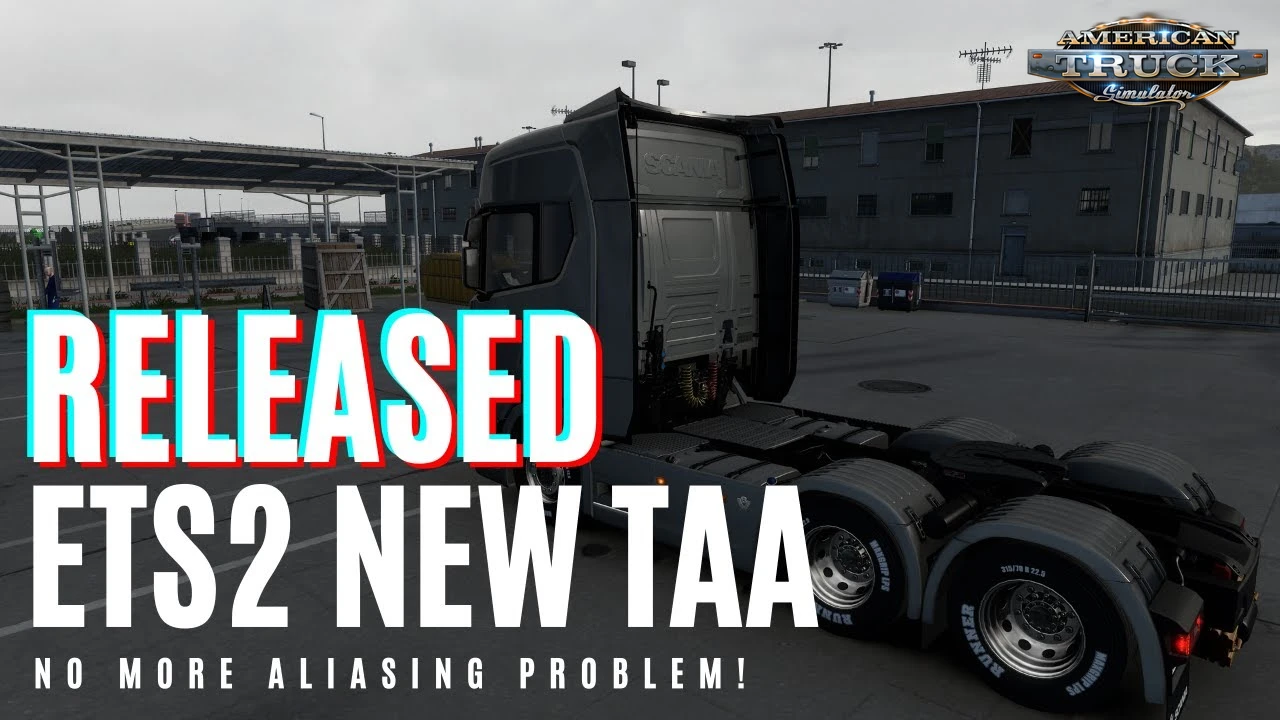
🖼️ TAA by Snowy Moon for ATS - introduces Temporal Anti-Aliasing (TAA) to the game, significantly enhancing the visual quality by reducing jagged edges and providing smoother graphics. TAA is an advanced anti-aliasing technique that reduces the flickering and jagged edges commonly seen in 3D graphics. It replaces the game's default anti-aliasing methods with a high-quality, high-performance Temporal Anti-Aliasing (TAA) solution, significantly reducing flickering, jagged edges (often called "ladders"), and aliasing artifacts commonly seen in dynamic scenes. The mod also integrates NVIDIA-specific upscaling and anti-aliasing technologies like DLSS and DLAA for improved performance and visual fidelity on compatible hardware.

Features TAA:
- 🧠 Temporal Anti-Aliasing (TAA) – High-performance edge smoothing with reduced ghosting and shimmer
- 🖥️ DLSS / DLAA Support – NVIDIA RTX users can enjoy upscaling (DLSS) or pure quality (DLAA) enhancements
- 🌫️ Temporal SSAO & Shadow Stabilization – Eliminates flicker in ambient occlusion and dynamic lighting
- 🚗 Per-Object Motion Blur – Realistic blur effects on wheels, vehicles, and interiors
- 🧹 FXAA Integration – Cleans up residual aliasing after TAA processing
  • 🎛️ Adjustable Settings – Access via HOME or CTRL+P:
  • 🔧 Sharpness control
  • 🌒 T. SSAO toggle
  • 🌗 T. Shadow toggle
- 🖼️ Multimonitor & VR Support – Includes recent fixes for eye-specific rendering
- 🎨 ReShade Compatibility – Seamless integration via dedicated “reshade” subfolder

Changes in v10.2.30:
- ✔️ Adapted to the latest game patch 1.56
- ✔️ Fixed crash issues on startup and menu interactions.
- ✔️ VR and multimonitor optimizations.
- ✔️ Performance tweaks for CPU usage and motion blur ghosting.


✔️Tested on game version 1.56.x
  • Screens
  • Videos
  • Changelogs
TAA (Temporal Anti Aliasing) v10.2.30 (1.56.x) for ATS TAA (Temporal Anti Aliasing) v10.2.30 (1.56.x) for ATS TAA (Temporal Anti Aliasing) v10.2.30 (1.56.x) for ATS TAA (Temporal Anti Aliasing) v10.2.30 (1.56.x) for ATS TAA (Temporal Anti Aliasing) v10.2.30 (1.56.x) for ATS TAA (Temporal Anti Aliasing) v10.2.30 (1.56.x) for ATS TAA (Temporal Anti Aliasing) v10.2.30 (1.56.x) for ATS TAA (Temporal Anti Aliasing) v10.2.30 (1.56.x) for ATS
Changes in v10.2.2 (1.50.x):
- Recoded the whole project for more stable and faster results.
- VR (if you use -openxr use through SteamVR), ReShade supported, it should work on Multimonitor too but I couldn't test it myself. If you try multimonitor, please leave a feedback.
- DLSS improved.
- Tonemap replacement will be added for better colors but for now Simple Color Preset added.
Download Link 1 | ​Download Link 2​​​

Changes in v1.0:
- first release


How to install mods?

- Download the mod from our server or from external links;

- Extract it with Winrar or Winzip program;

- Copy files with extension .scs file(s) into your My Documents/American Truck Simulator/mod folder;

- Run game ~> Edit profile ~> Enable mod.

Download Links – Policy & Disclaimer

This document refers to links to third-party content/website, from both our website(s) and our official Social Media pages. External links are selected and reviewed when a page/post is published. However, we are not responsible for the content of external websites. If you would like us to remove a link to your website from NHS Choices, please Contact us (Admin) Note that unless you have a legal right to demand removal, such removal will be at our discretion.

Share / Download mod «TAA (Temporal Anti Aliasing) v10.2.30 (1.56.x) for ATS»


Download #1 Download #2 Download #3

Leave a Comment
Type the two words shown in the image:*